A KRI4TIV workflow for rapid concept development
The Challenge
In most design projects, the hardest part isn't execution - it's the beginning.
Translating a vague idea into a strong visual direction often takes the most time. You're balancing strategy, aesthetics, messaging, and layout all at once.
I found that this slowed down momentum.
So instead of starting in design tools, I built a workflow that allows me to quickly move from strategy → concept → visual draft.
The goal is simple:
Create strong, high-quality first drafts in hours, not days.
The Approach
This workflow is designed to separate three key stages:
- Thinking (strategy & direction)
- Exploration (visual generation)
- Execution (design refinement)
By breaking these apart, I can focus on each step with more clarity and speed.
Step 1 - Defining the Brand Context
Every project starts with structured input.
I provide:
- Company name and website
- Key notes about positioning and audience
- A few reference images
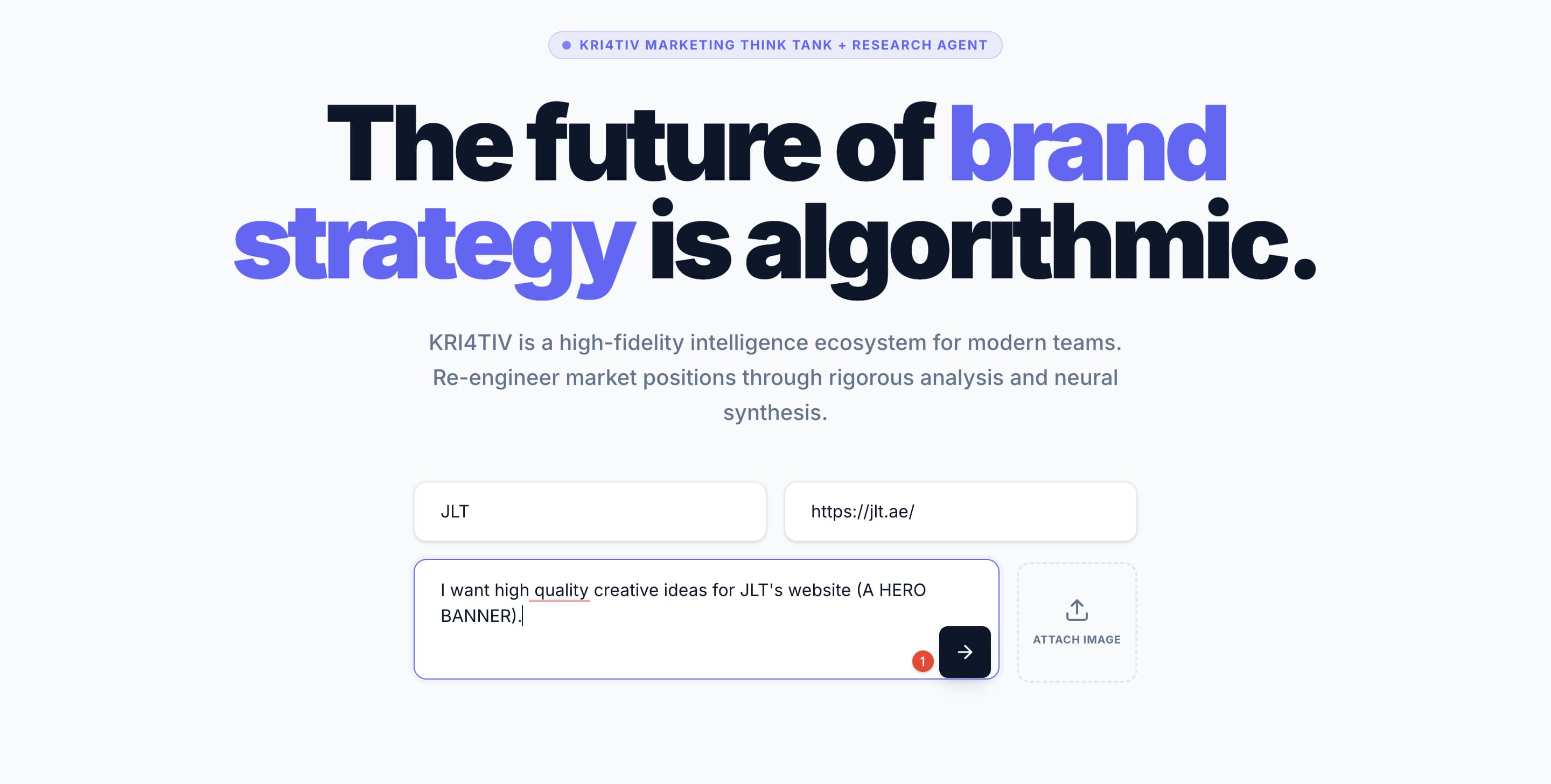
This is processed through my research system, which builds a foundational understanding of:
- Tone of voice
- Brand personality
- Market positioning
For this case, the objective was to reposition JLT from a functional location into:
A premium, future-facing urban ecosystem.
Step 2 - Translating Strategy Into Creative Direction
The system outputs a structured strategy report, including:
- Campaign directions
- Messaging frameworks
- Visual territories
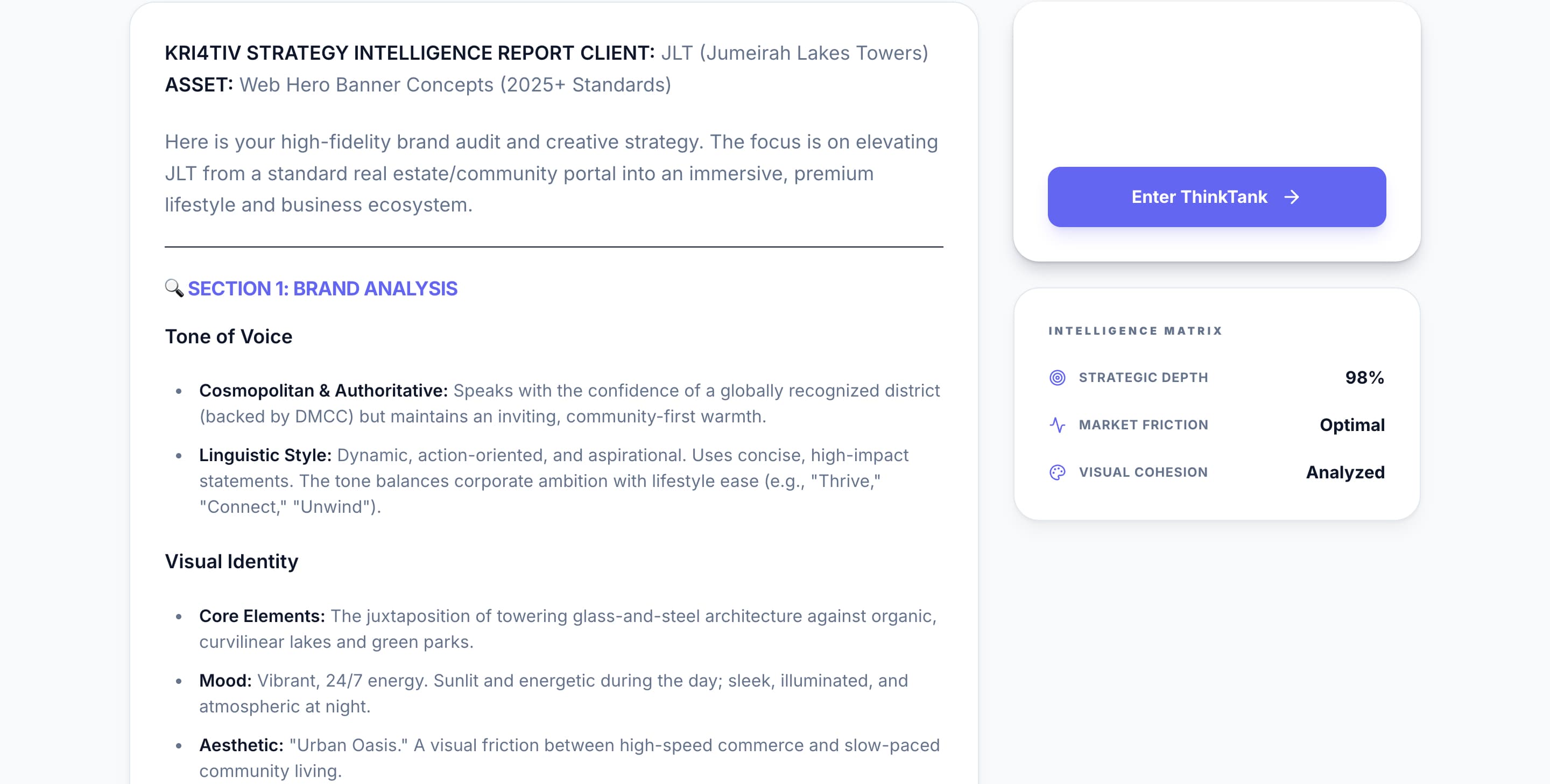
This removes guesswork and gives me a clear starting point.
From here, I select a strong direction to develop further.
One of the chosen concepts was:
“The Visionary - Investor & Future-Forward Focus”
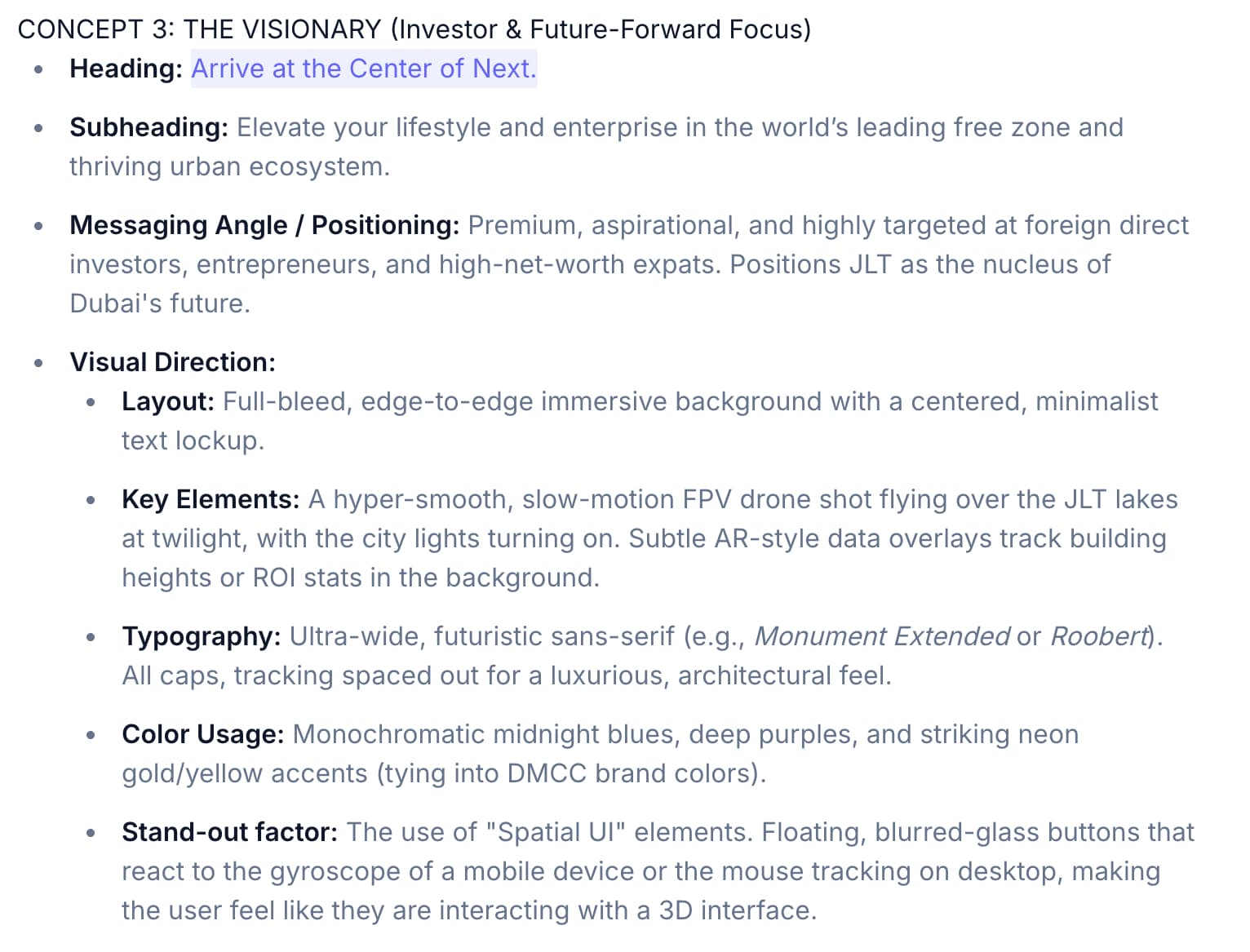
At this stage, the focus is still conceptual - no design decisions yet.
Step 3 - Converting Ideas Into Production-Ready Prompts
Strong visuals require precise inputs.
So I pass the selected concept into my prompt enhancement system, trained on high-performing visual prompts.
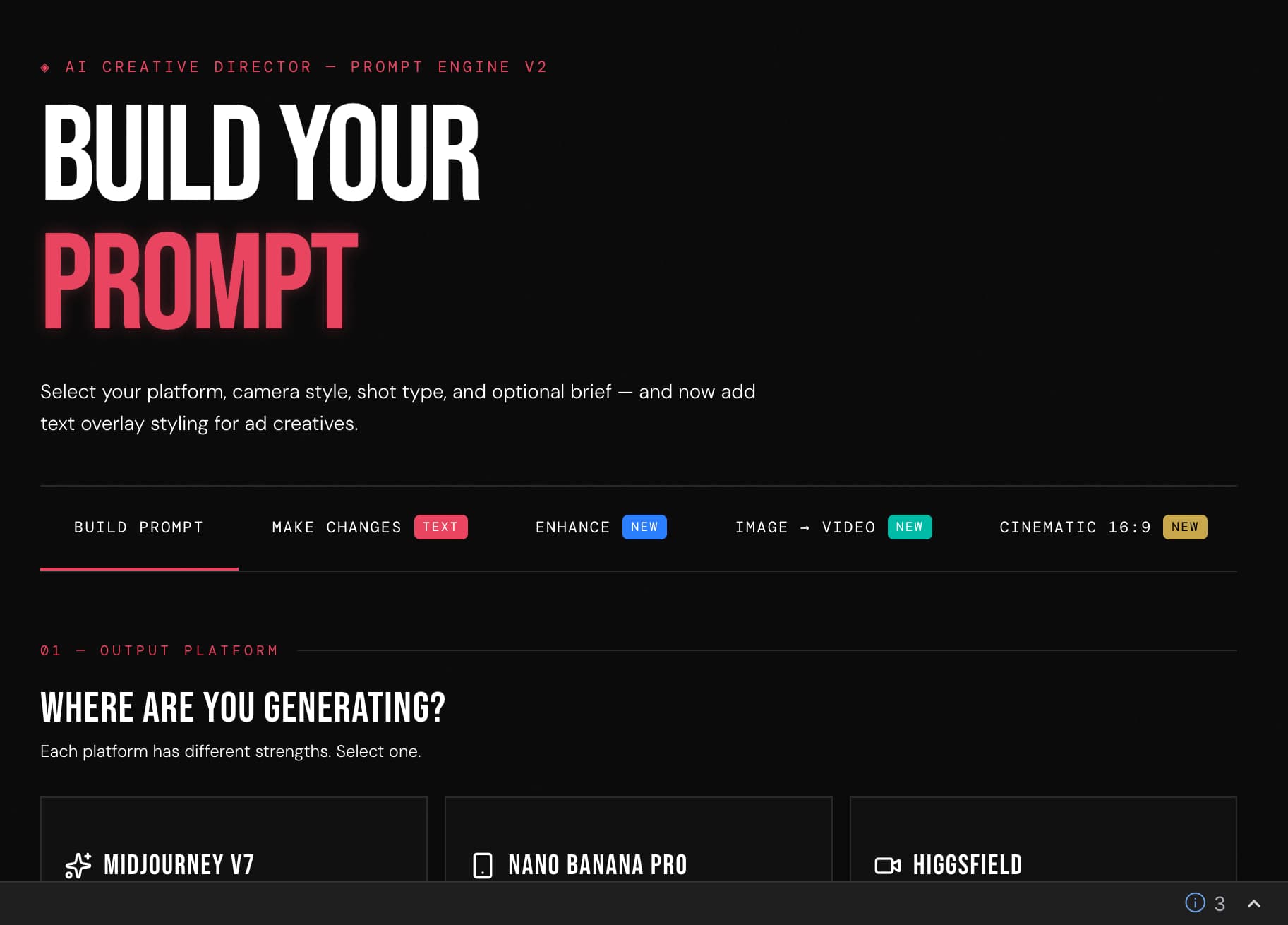
This transforms basic ideas into detailed, production-level prompts by defining:
- Camera and lens styles
- Lighting conditions
- Composition and framing
- Color and atmosphere
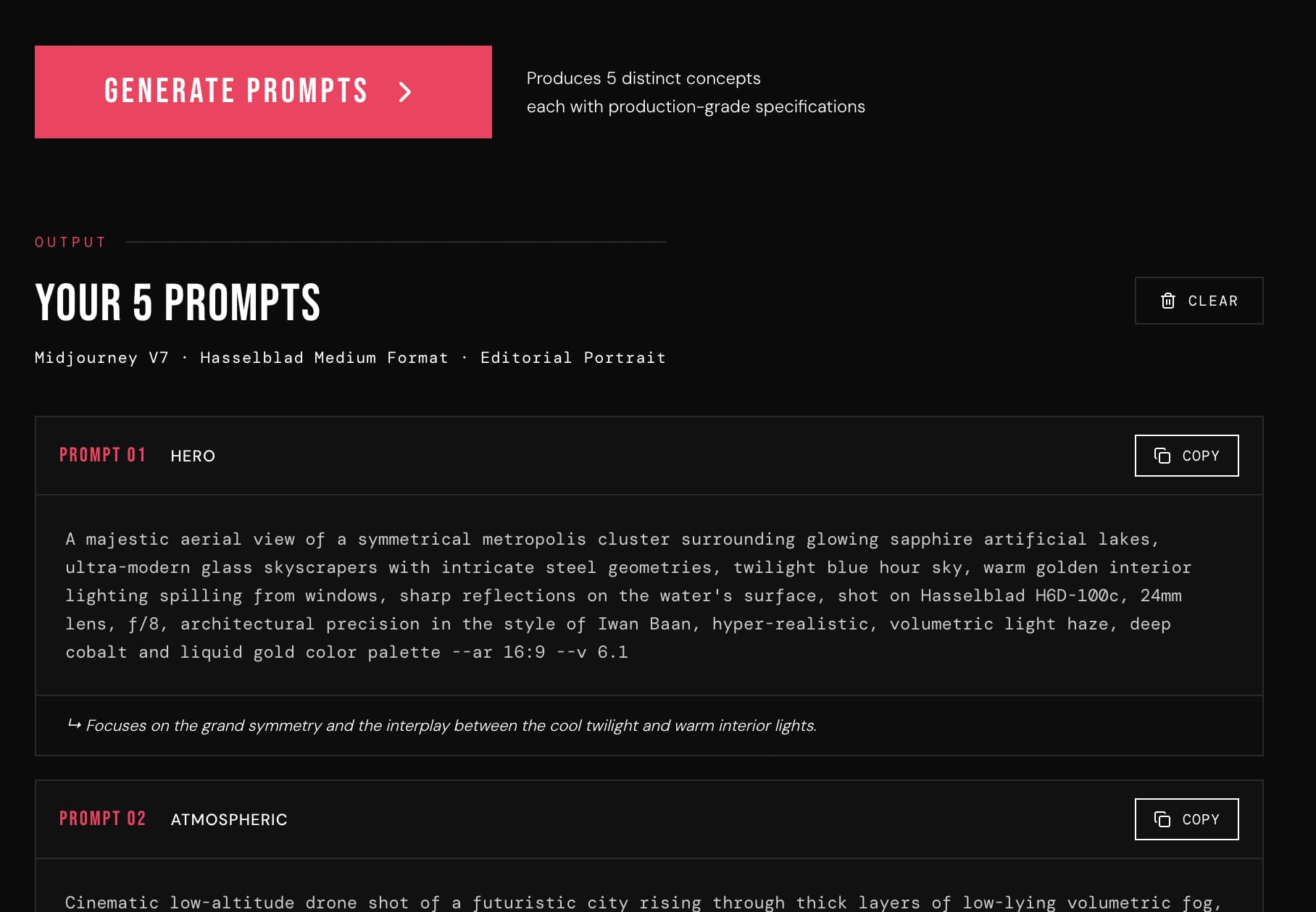
The result is a set of prompts that are specific enough to generate high-quality, consistent outputs.
Step 4 - Rapid Visual Exploration
These prompts are then used to generate multiple visual directions.

This stage is about exploration, not perfection.
It allows me to quickly evaluate:
- Mood and atmosphere
- Visual hierarchy
- Brand alignment
Instead of imagining ideas, I can now see them.
This significantly improves decision-making early in the process.
Step 5 - Building a Functional First Draft
Once a direction is selected, I move into layout.
Using my design system, I quickly:
- Apply headline and messaging
- Position the logo
- Establish composition
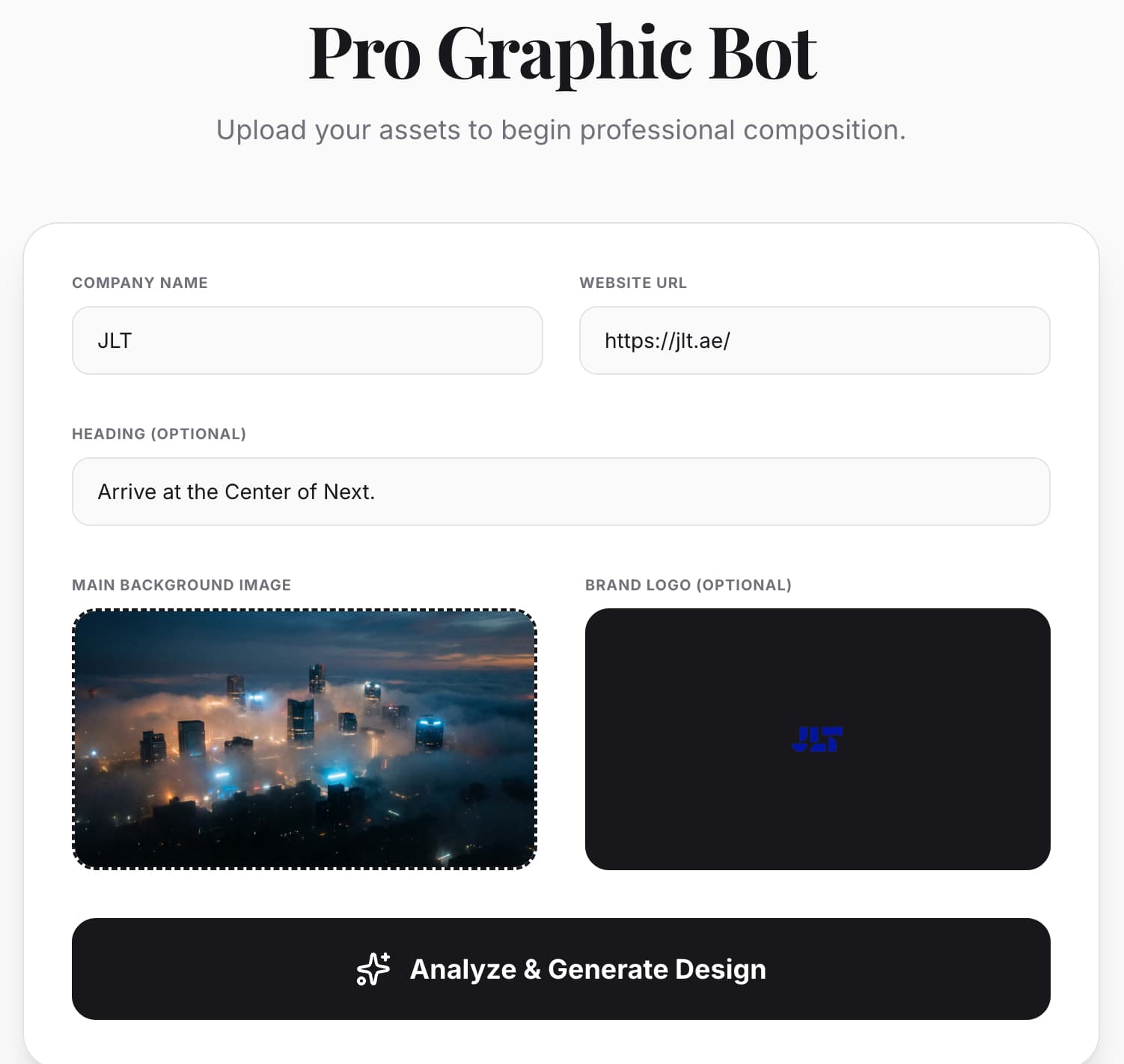
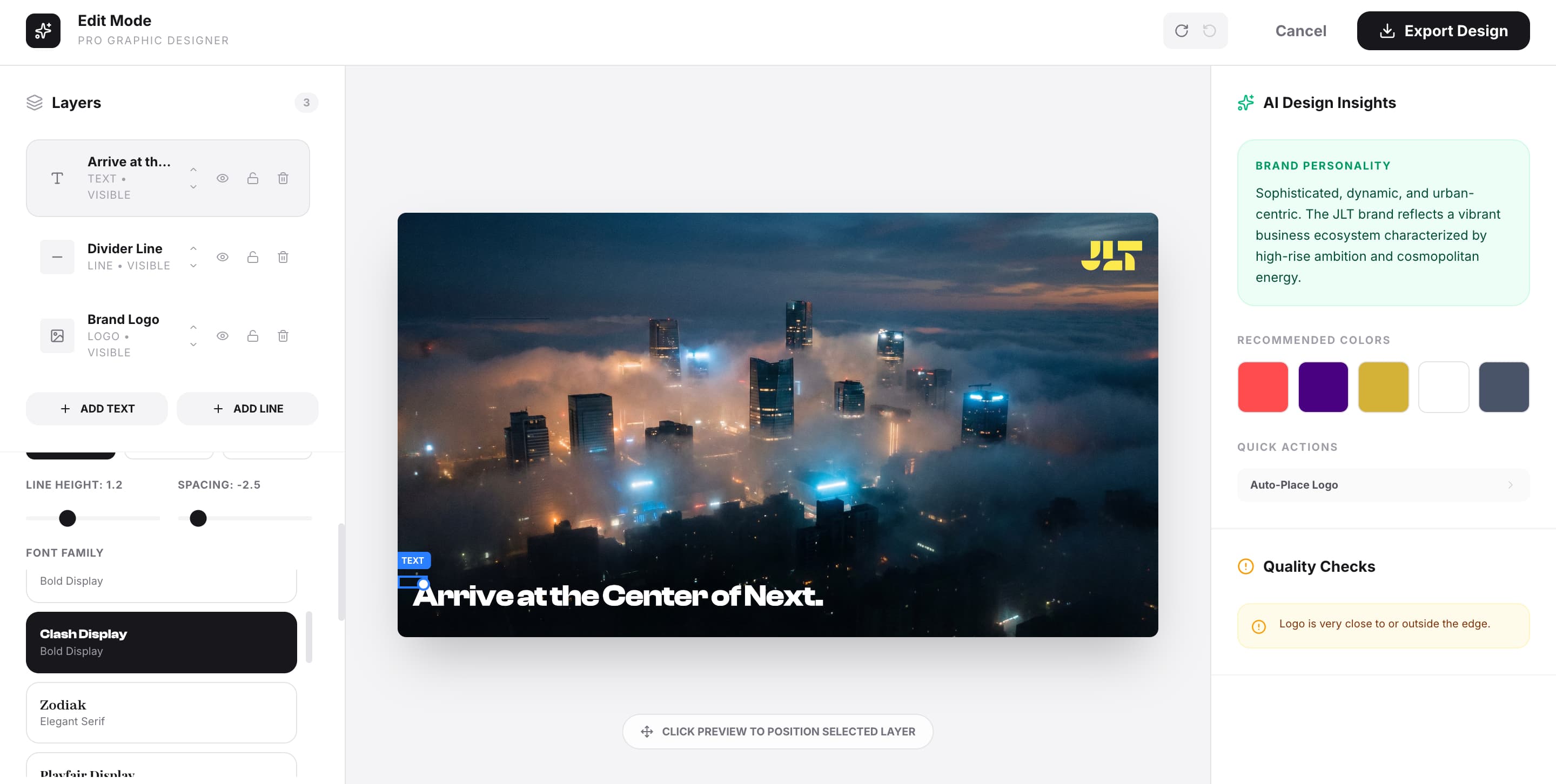
This creates a functional first draft - something that looks and feels like a real asset.
At this point, I can assess:
- Readability
- Balance and spacing
- Overall impact
Step 6 - The Output
The result is a clean, high-quality first draft that captures both the strategy and the visual direction.
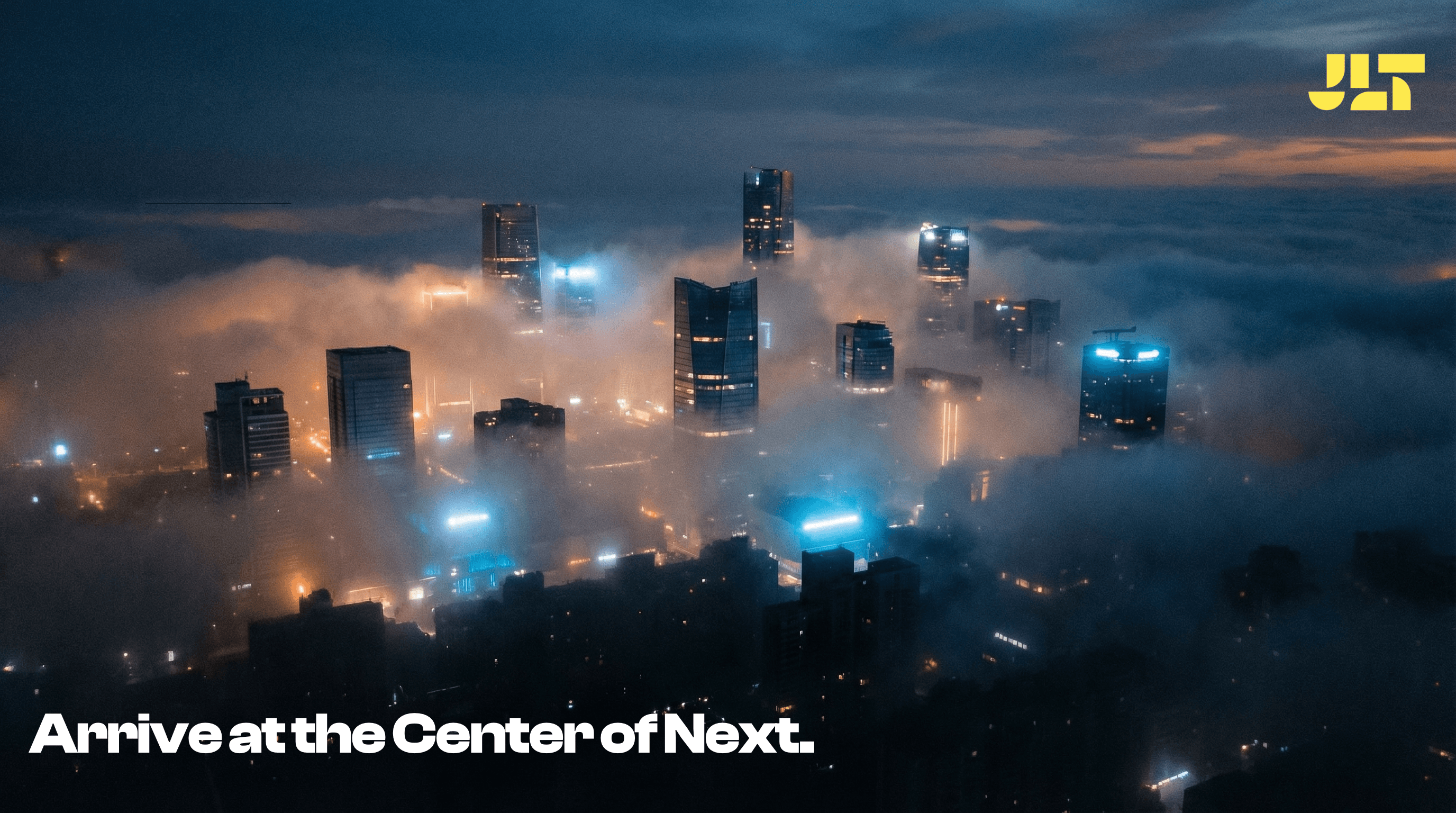
This is not the final design - but it's a strong foundation.
Refinement and Final Execution
Once the direction is validated, I move into refinement using tools like:
- Photoshop
- Canva
- Other design platforms
Here, I focus on craft:
- Typography precision
- Spacing and alignment
- Color grading
- Image quality
- Detail refinement
This is where the design evolves from a strong draft into a polished, production-ready asset.
Why This Workflow Matters
This approach fundamentally changes how I work.
Instead of spending time trying to “figure things out” inside design tools, I:
- Generate multiple directions quickly
- Make decisions earlier
- Reduce creative friction
Most importantly:
It allows me to focus more on quality refinement rather than initial guesswork.
Final Thought
AI is not replacing the design process - it's restructuring it.
It accelerates the early stages, where uncertainty is highest.
And by doing that, it gives me more time to focus on what truly matters:
- Craft
- Detail
- Final execution
Because a great design doesn't start perfect -
it starts with a strong, clear direction.